Stay on top
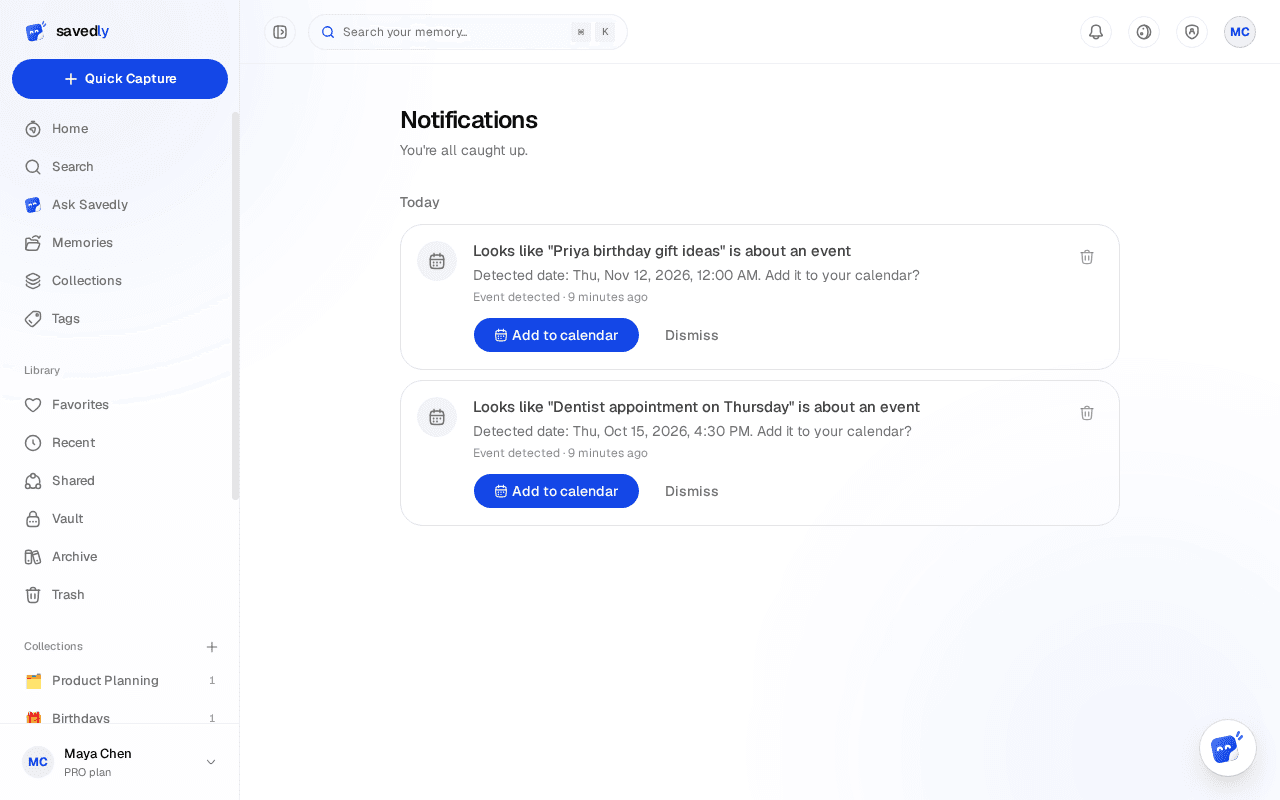
Notifications
One feed for anything that needs your attention.
One feed for anything that needs your attention.
Open the feed
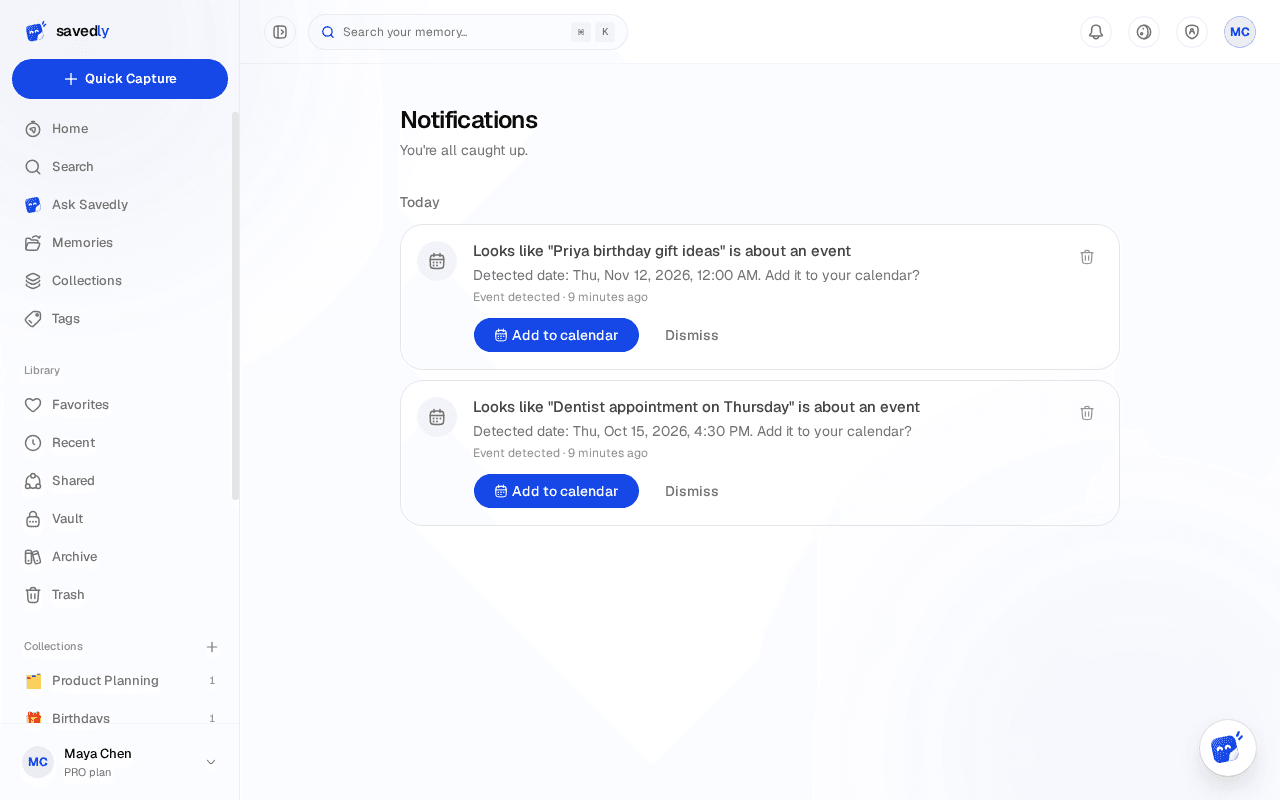
Go to Notifications from the sidebar. Unread items are marked until you open them.
What shows up
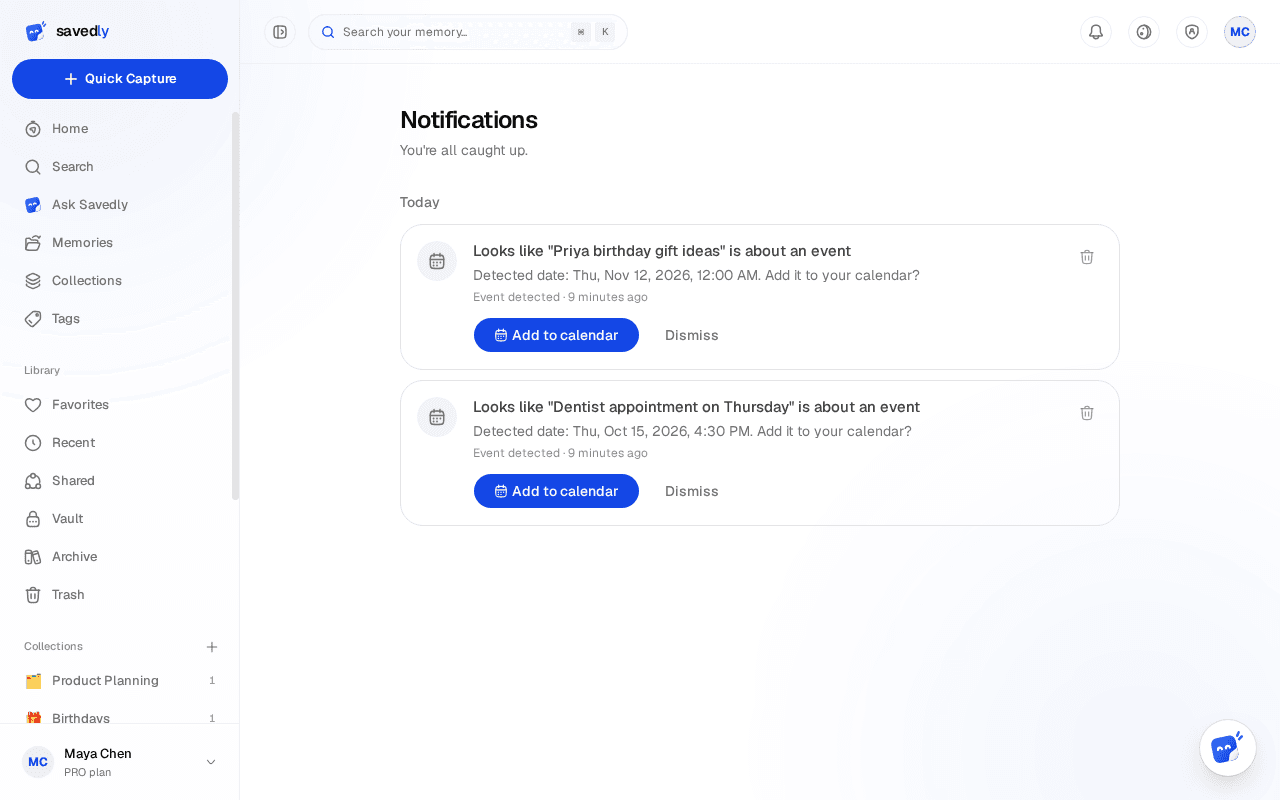
Share invites and access requests, plus events the AI spots in something you saved (with AI configured).
Act from the notification
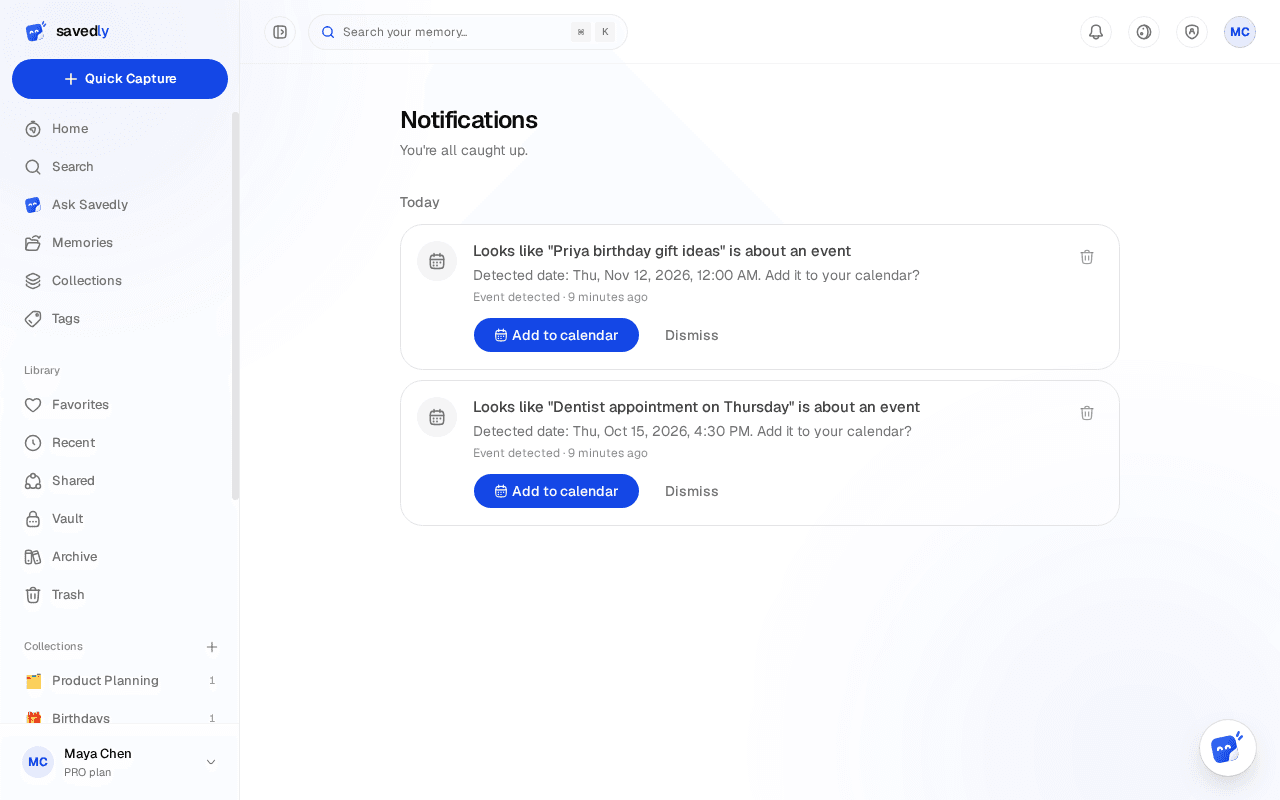
Approve or deny an access request right from the item. Event notifications tell you when the AI spots something date-bound in a memory.