Account and tools
Keyboard shortcuts
Keyboard shortcuts for search, capture and navigation.
Everything below works anywhere in the dashboard. Use Cmd instead of Ctrl on Mac.
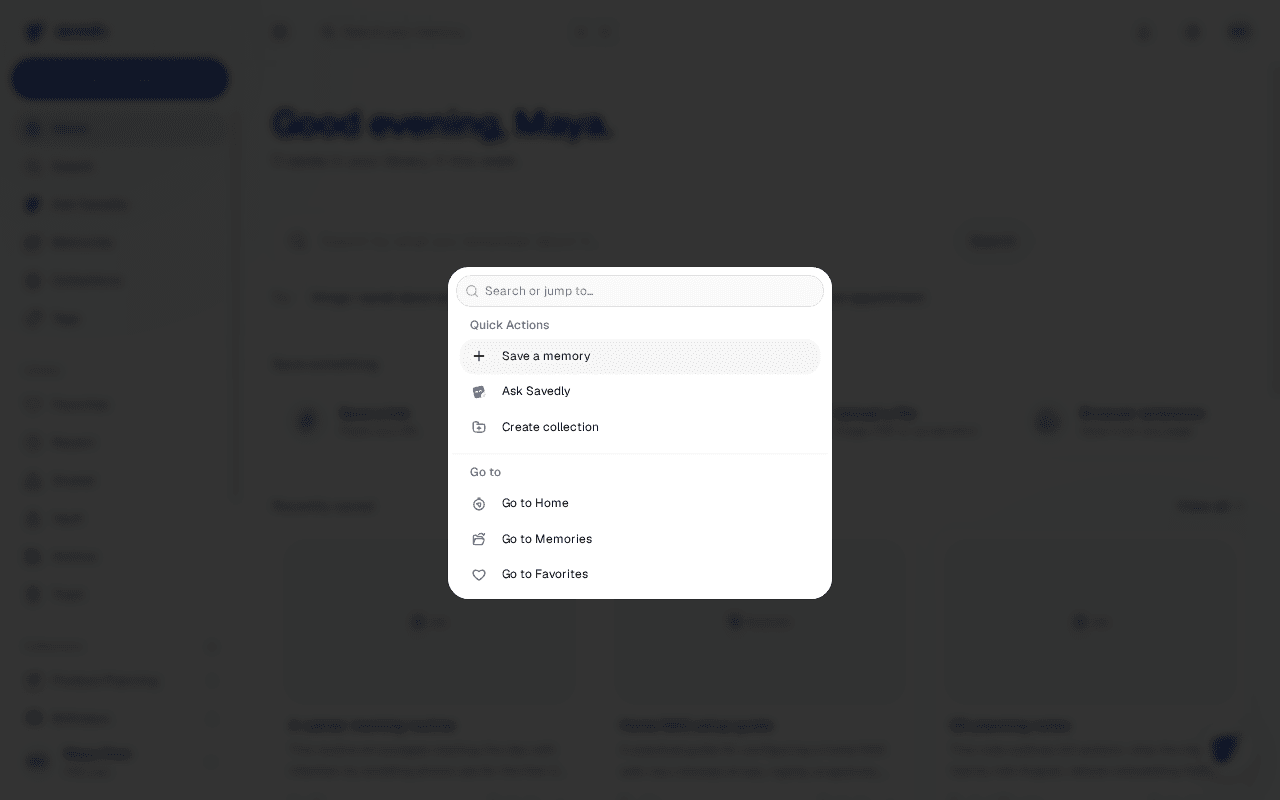
Search and capture
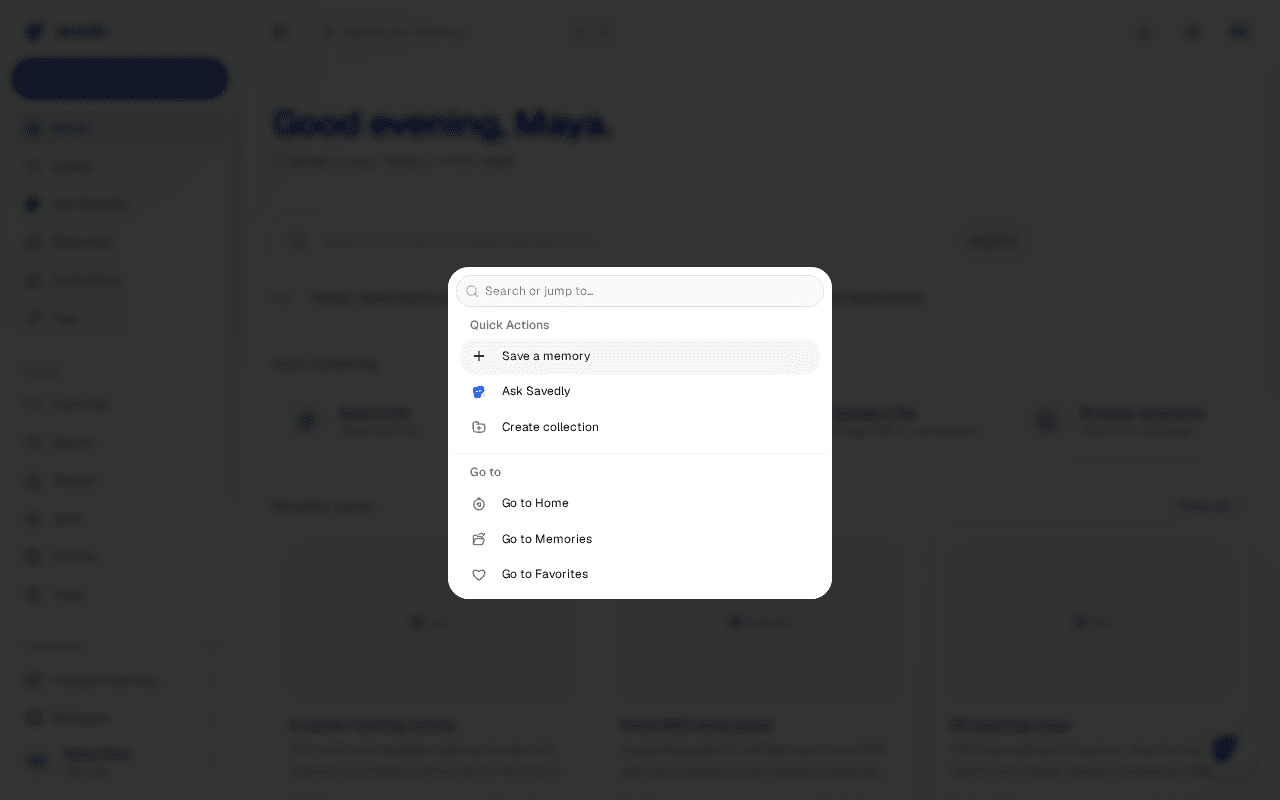
Ctrl+K opens the search palette. Ctrl+Q opens Quick Capture, and Ctrl+Enter submits it.
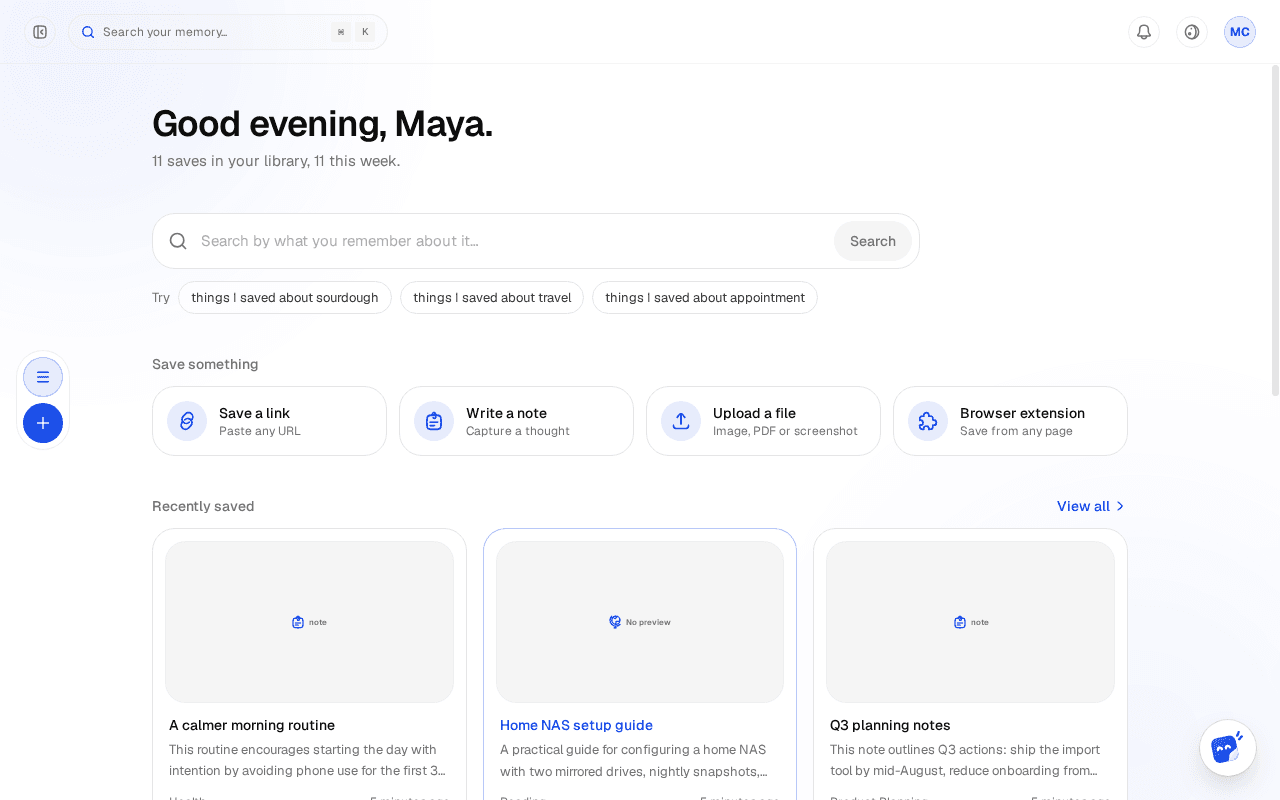
Move around
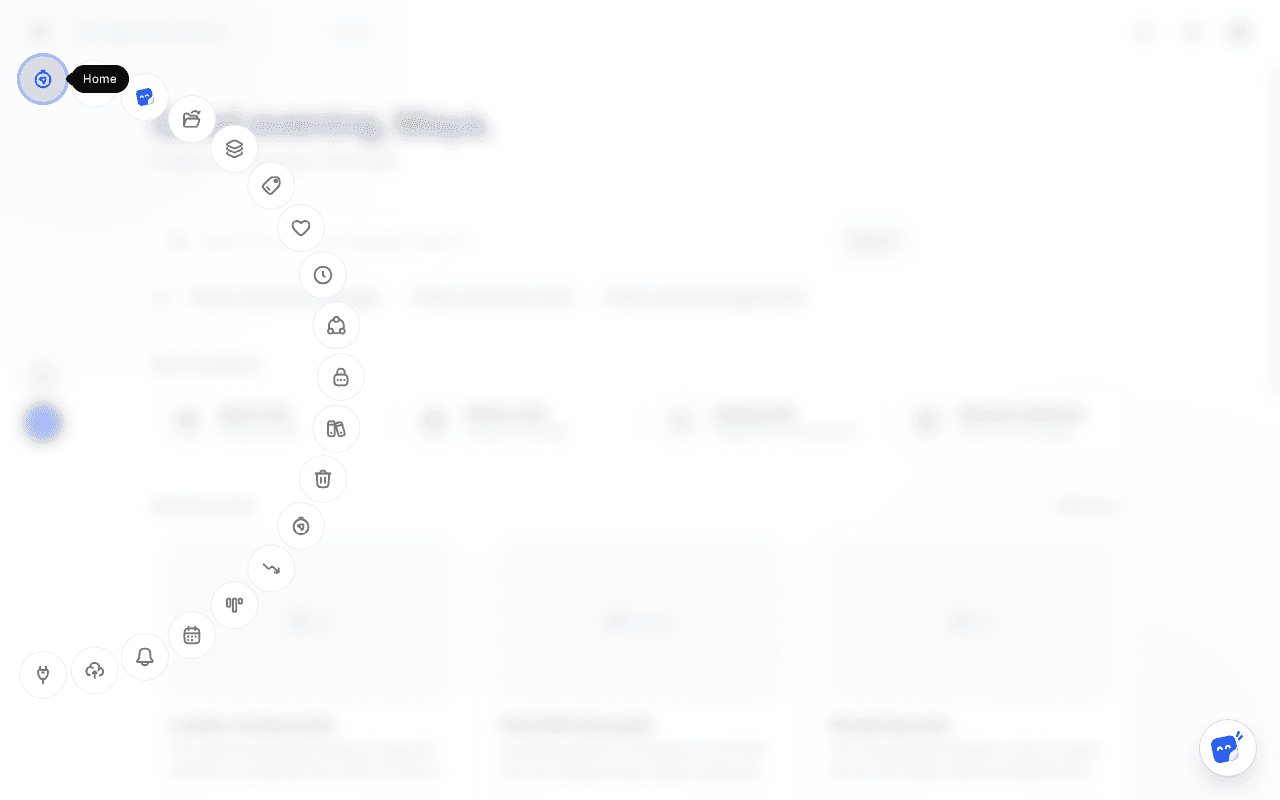
Ctrl+B collapses or expands the sidebar. Ctrl+M opens the quick-nav menu when the sidebar is collapsed.
Browser-reserved keys
Ctrl+N (Notifications) and Ctrl+P (Profile) are also bound, but most browsers claim them first for new window and print — use the sidebar instead there.