Share and protect
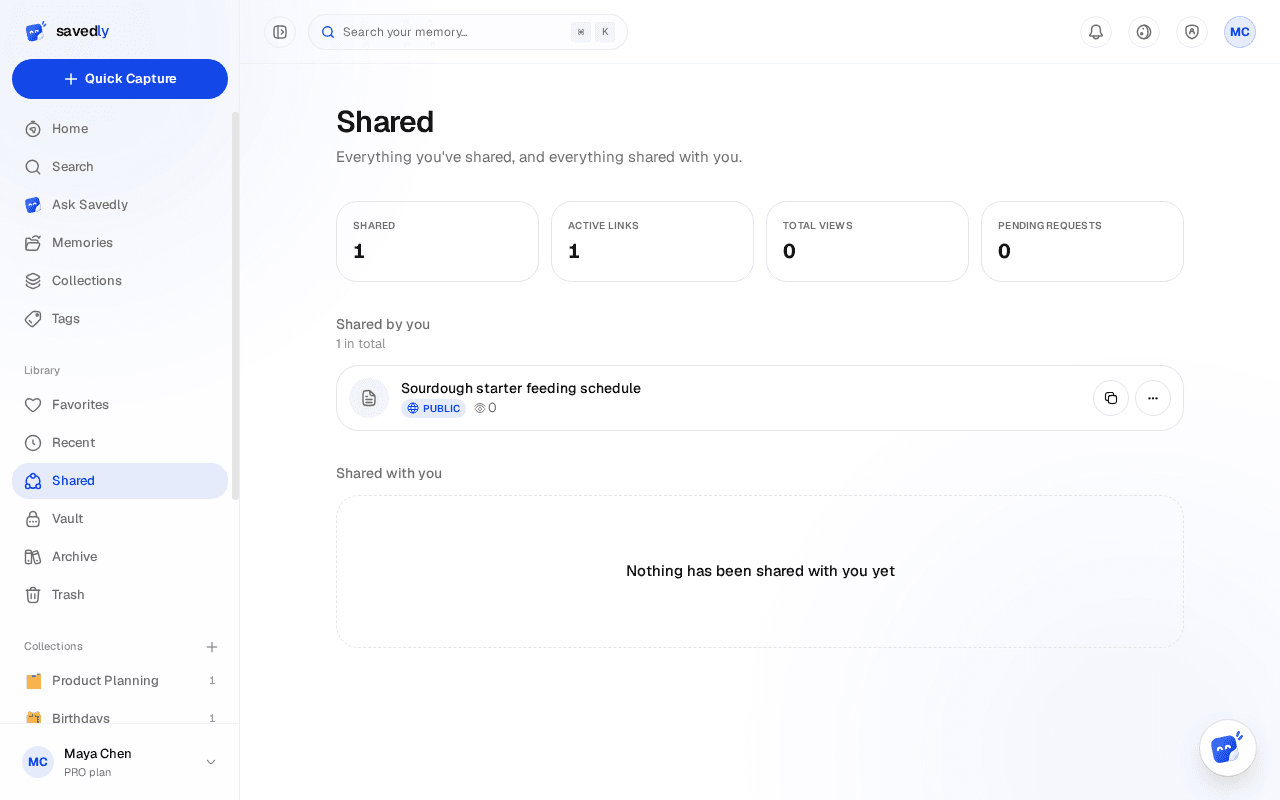
Sharing
Share a memory or collection with the level of control you want.
Share a single memory or a whole collection, with as much or as little control as you want.
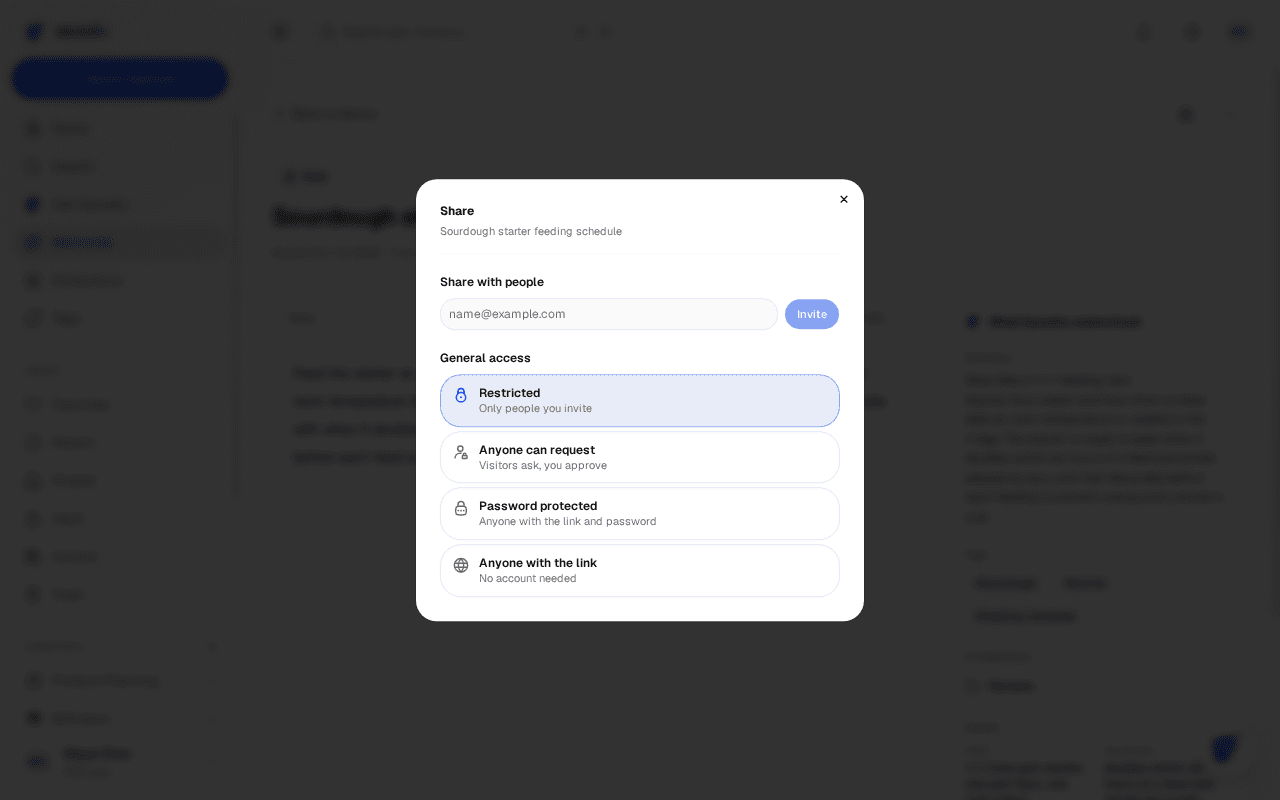
Turn on a link
From a memory or collection's share menu, choose a mode: public, password-protected, or invite-only with access requests.
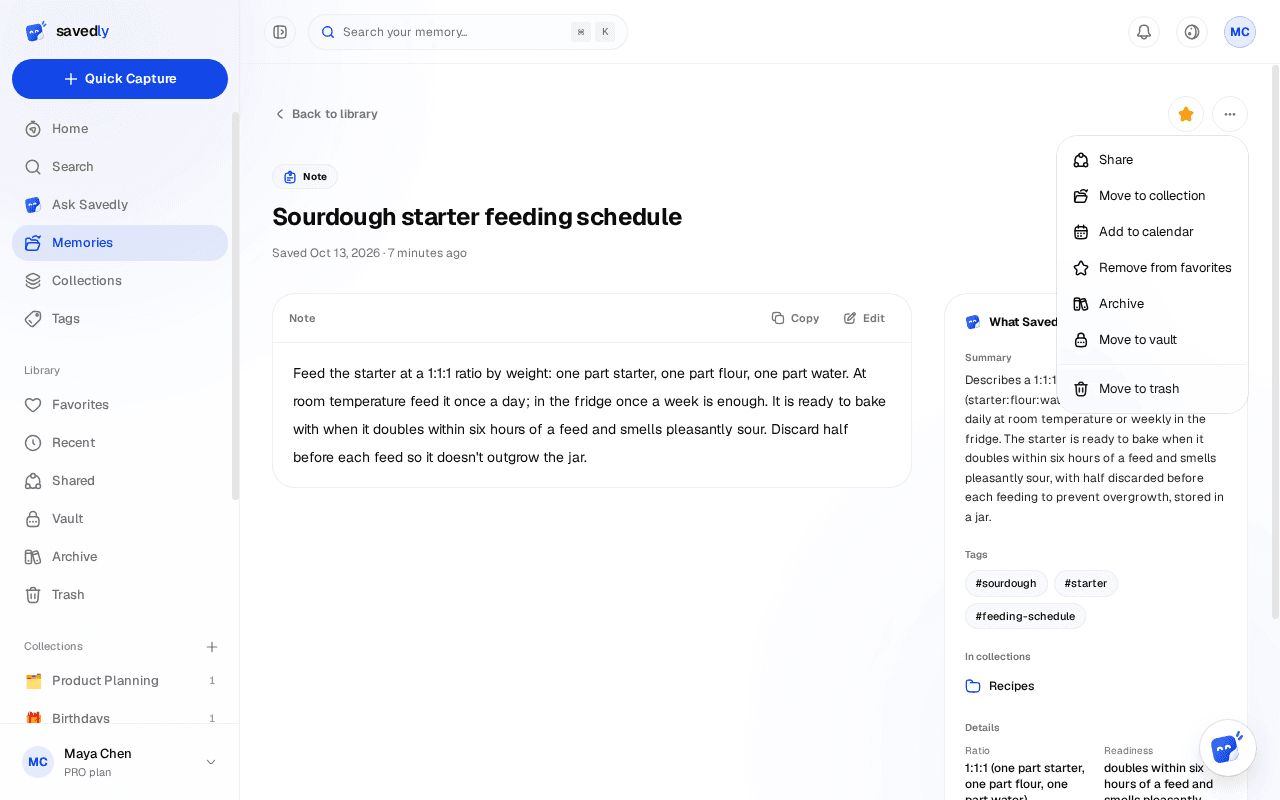
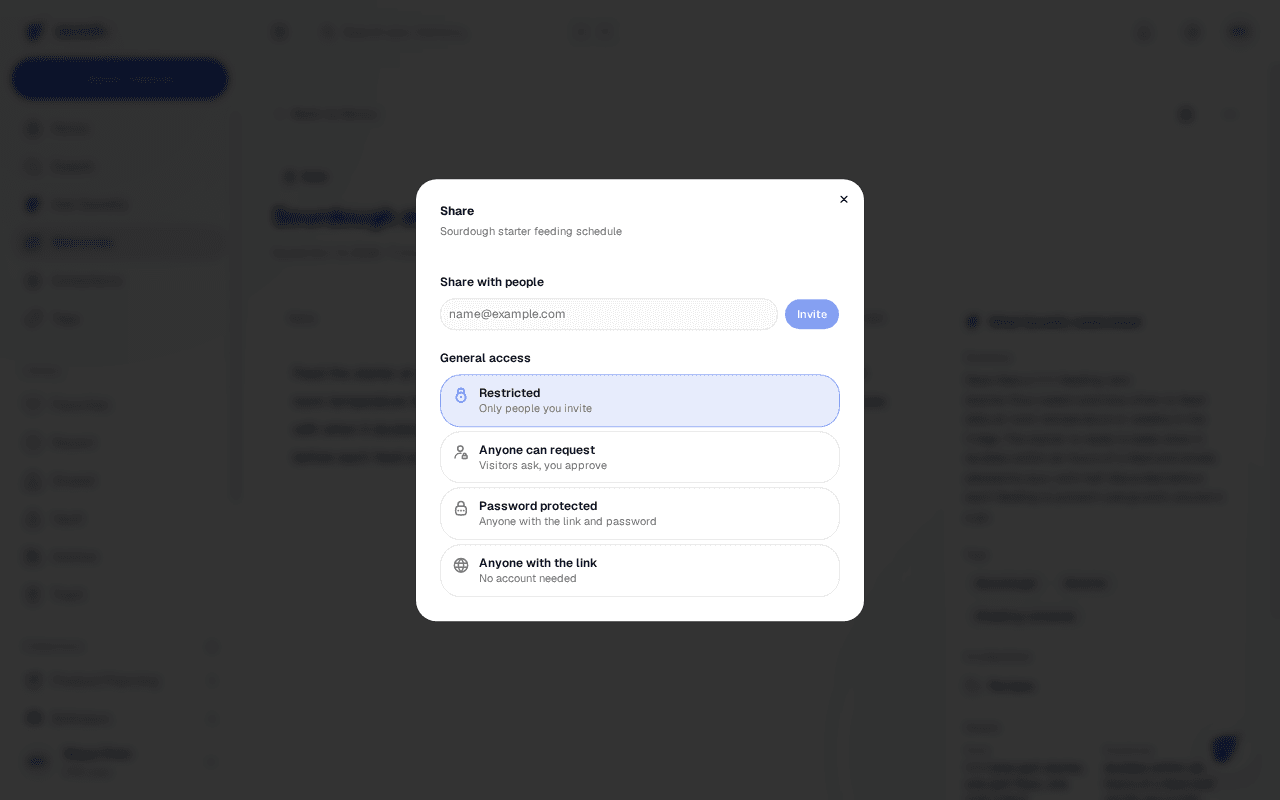
Invite someone directly
Add their email. If they don't have an account yet, access is granted automatically the moment they sign up with that address.
Manage access anytime
Revoke one person's access, or turn the link off entirely, from the same share panel — nothing is permanent.