Share and protect
Vault
A PIN-gated space for memories you'd rather keep out of view.
A PIN-gated space for memories you'd rather keep out of your regular views.
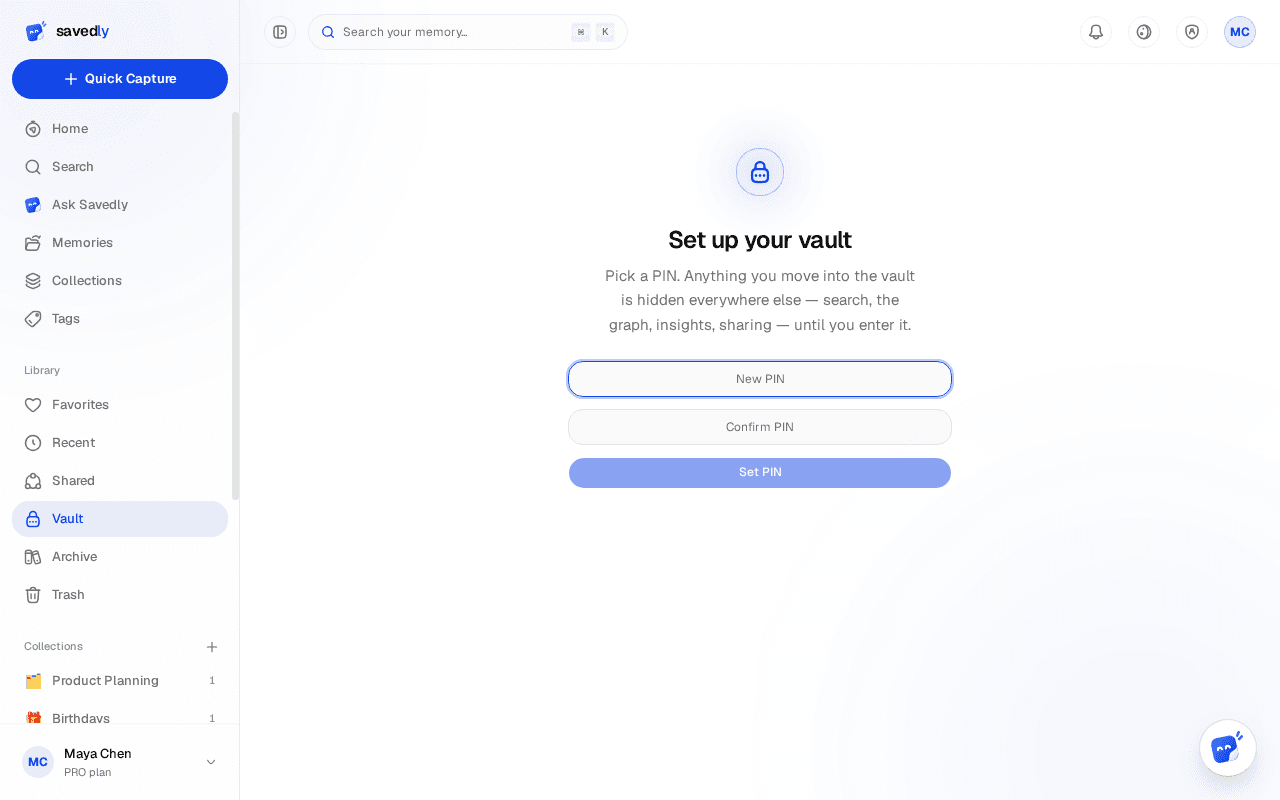
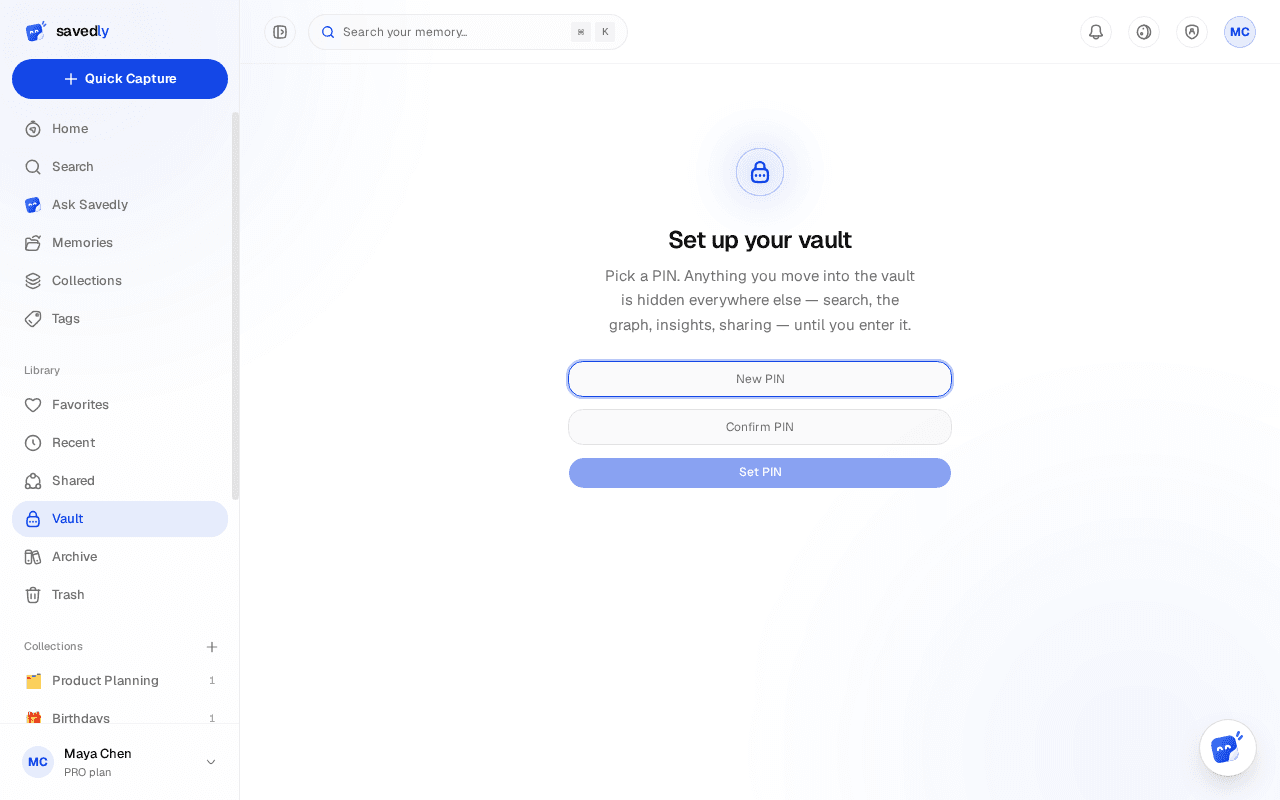
Set a PIN
The first time you open the Vault, you'll be asked to set a PIN for it.
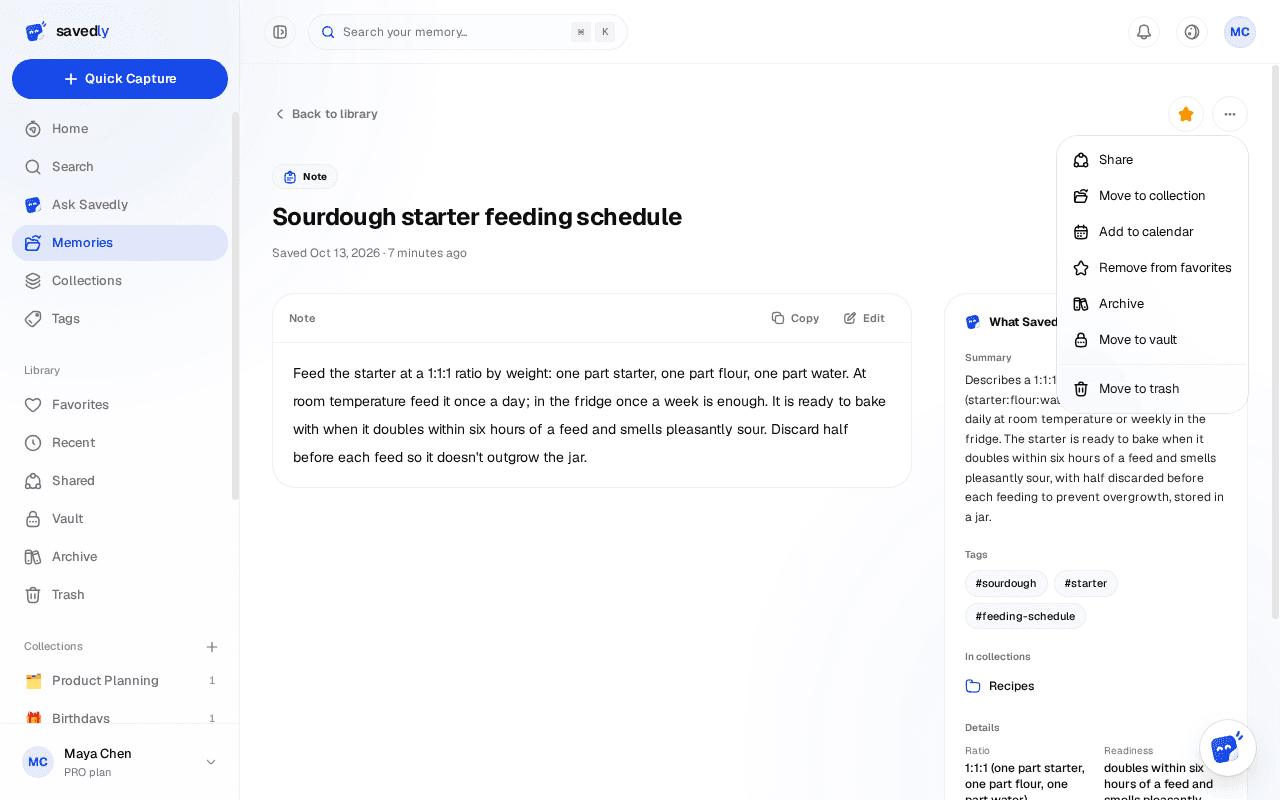
Move something in
From any memory or collection's menu, choose "Move to Vault" — it disappears from your normal views immediately.
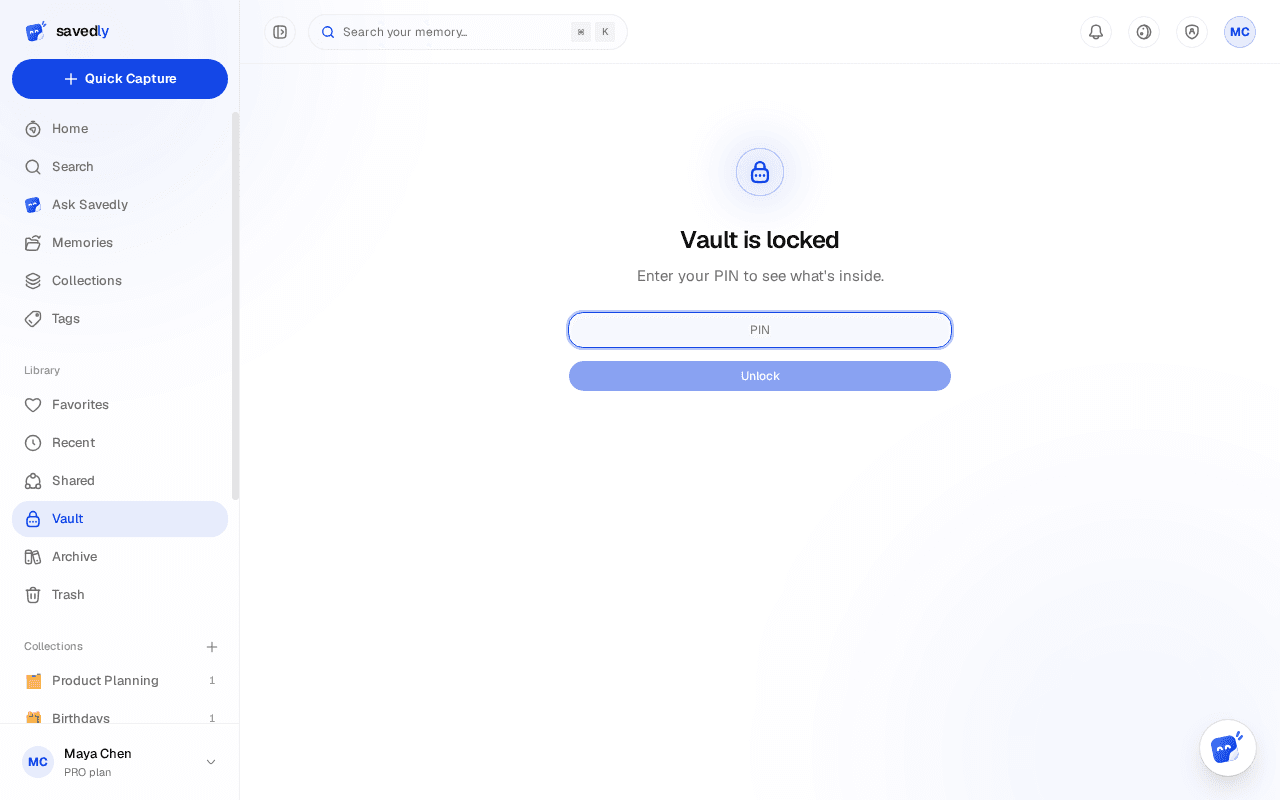
Unlock to view
Enter your PIN to see Vault contents; it locks again automatically the moment the tab loses focus. Worth knowing: this is PIN-gated access control, not end-to-end encryption of the content itself.