Get started
Getting started
From a new account to your first saved memory.
The shortest path from a new account to your first saved memory.
Create your account
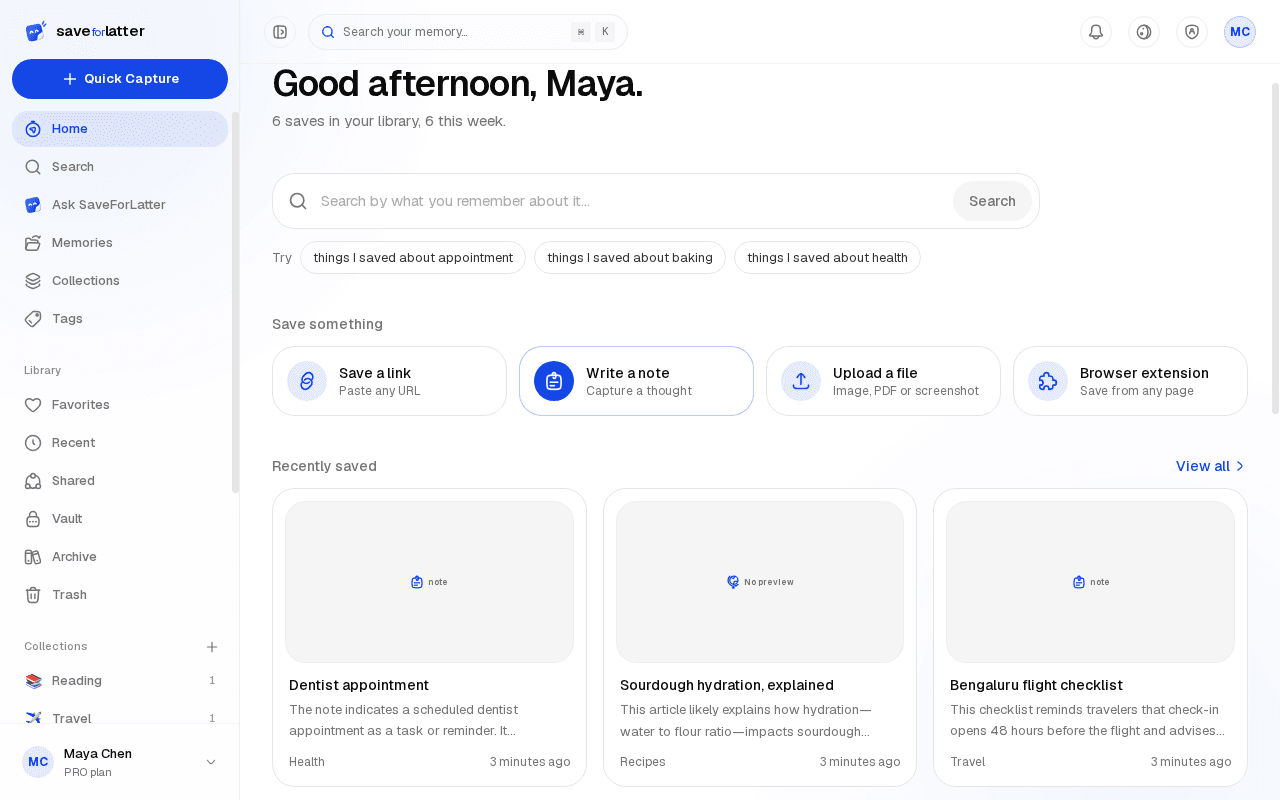
Sign up with Google or GitHub — no password to remember, and no card required at any point.
Connect an AI key
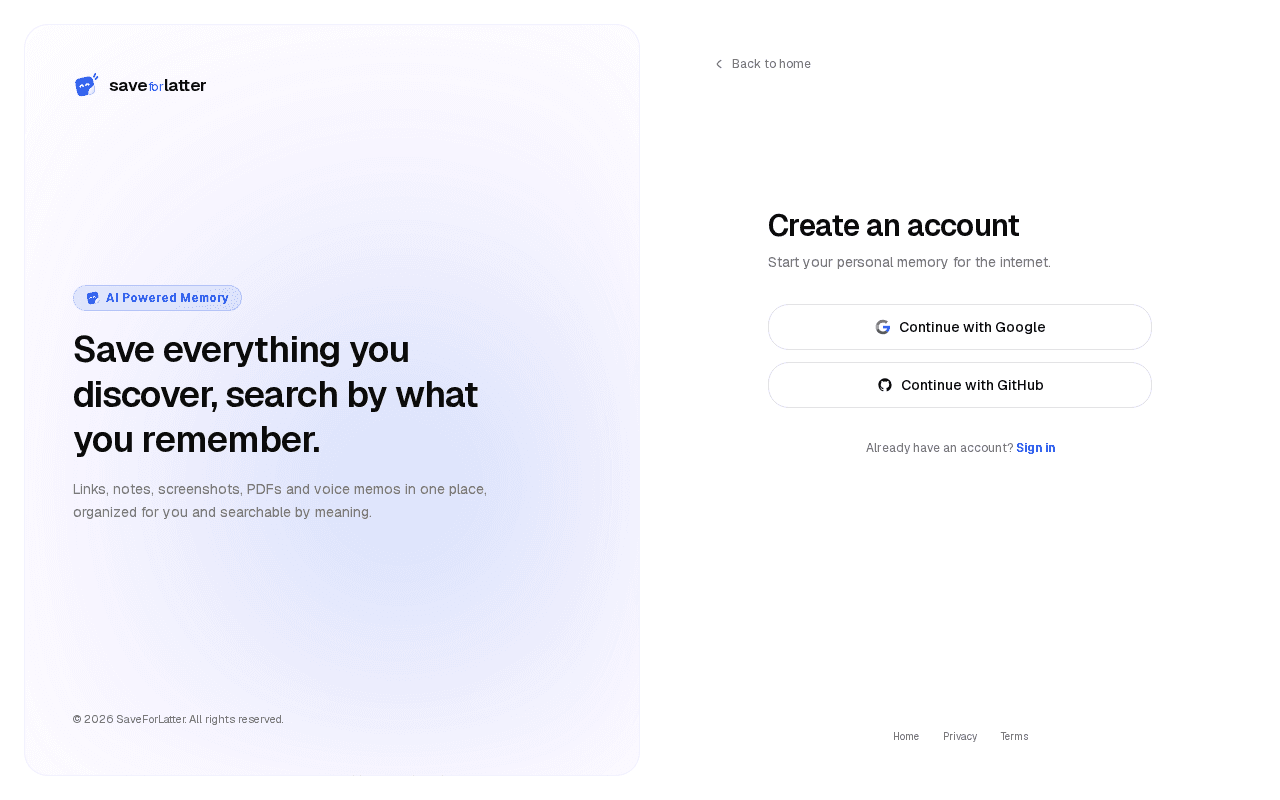
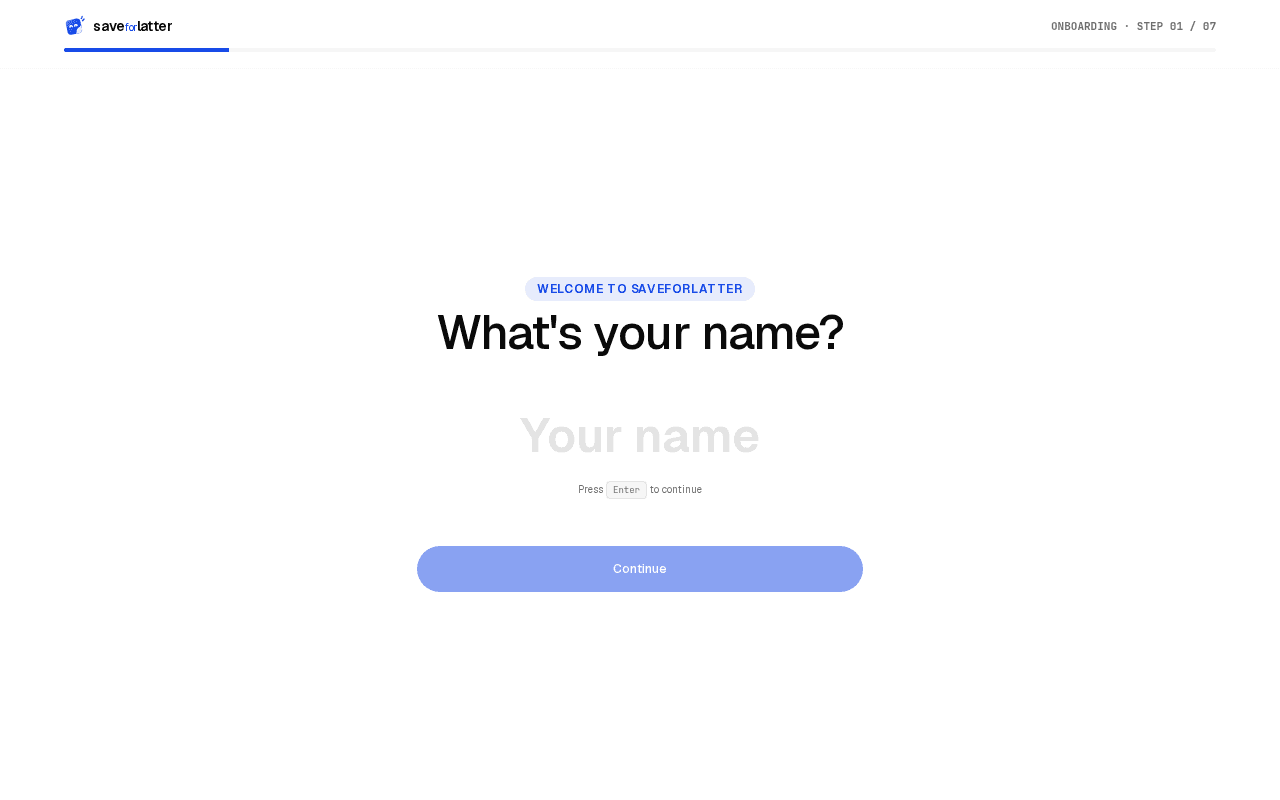
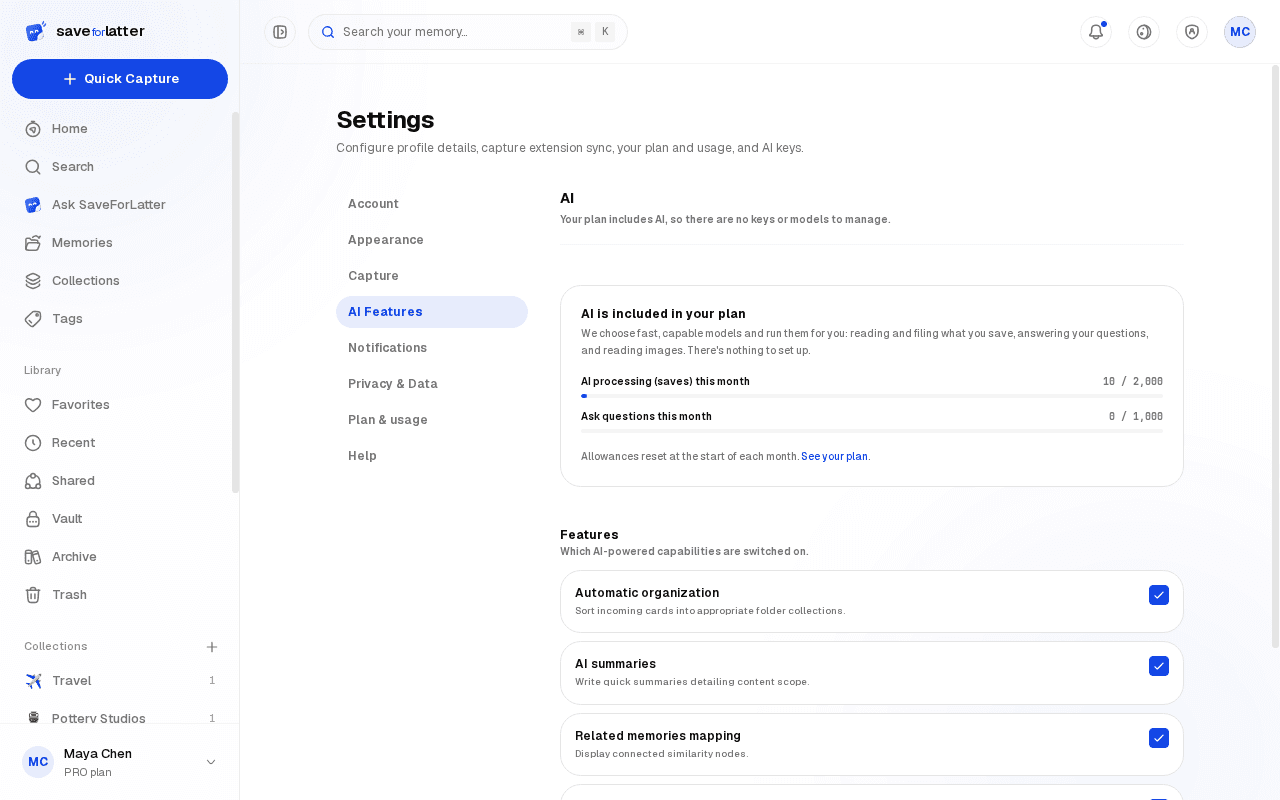
On the hosted plans, AI is included, so there's nothing to add: summaries, tags and Ask work straight away. On a self-hosted install, head to Settings → AI and add a key from OpenAI, Anthropic, Groq, Google, or any OpenAI-compatible endpoint. Saving, keyword search, and organizing manually work without a key.
Save your first memory
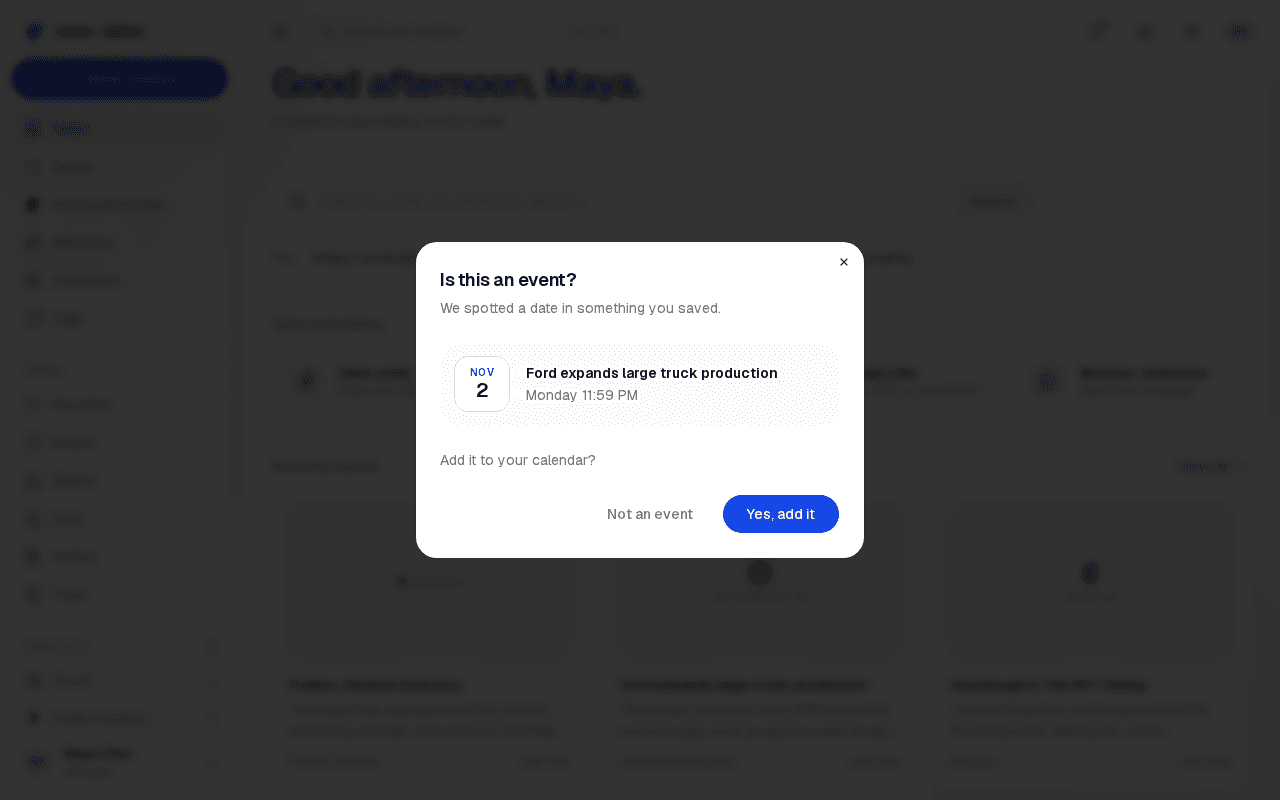
Paste a link, drop a file, or just type a note from the capture bar on your dashboard.