Ask Savedly
A chat assistant that answers from, and acts on, what you've saved.
A chat assistant over your saved content — and, now, over your account itself.
Connect a reasoning model
On the hosted plans Ask is already set up. On a self-hosted install, assign a key to the "Reasoning" role in Settings → AI; that's the one role Ask needs to produce a reply.
Ask a question
Open the full Ask page, or use the floating button available from every page except Ask itself.
Let it act, not just answer
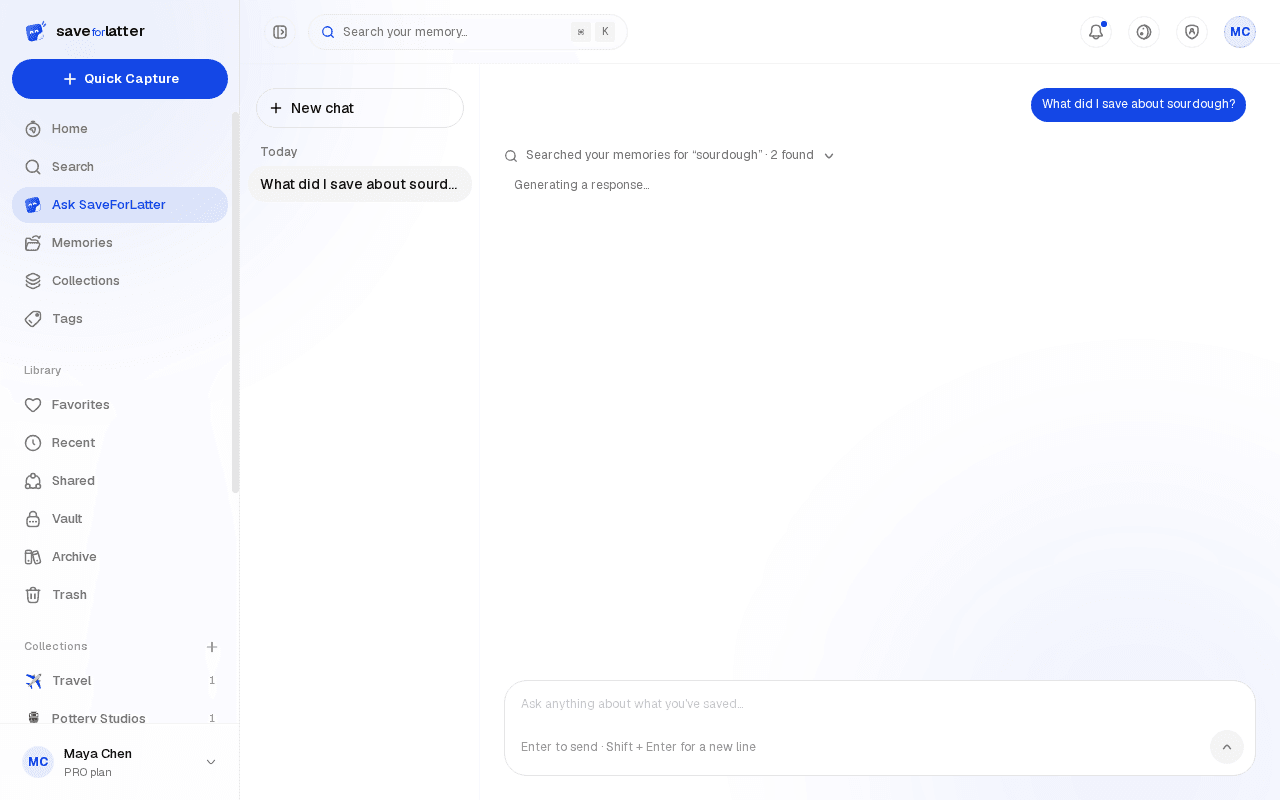
Ask it to save a note, edit a memory's title or tags, file something into a collection, or delete something — it can carry these out directly now, not just search and report back.
Popup or sidebar, your choice
The floating widget can float near the corner or dock as a full-height sidebar — toggle it from the widget's own header, and both position and size are remembered next time.